



All India Scholarship Helpline : 8050067687

Theloqua

Last Update On

Staff 3

Theloqua AI: Turn Your Voice into Polished Text with Smart AI Dictation

CIGMA Pedia Whatsapp Community

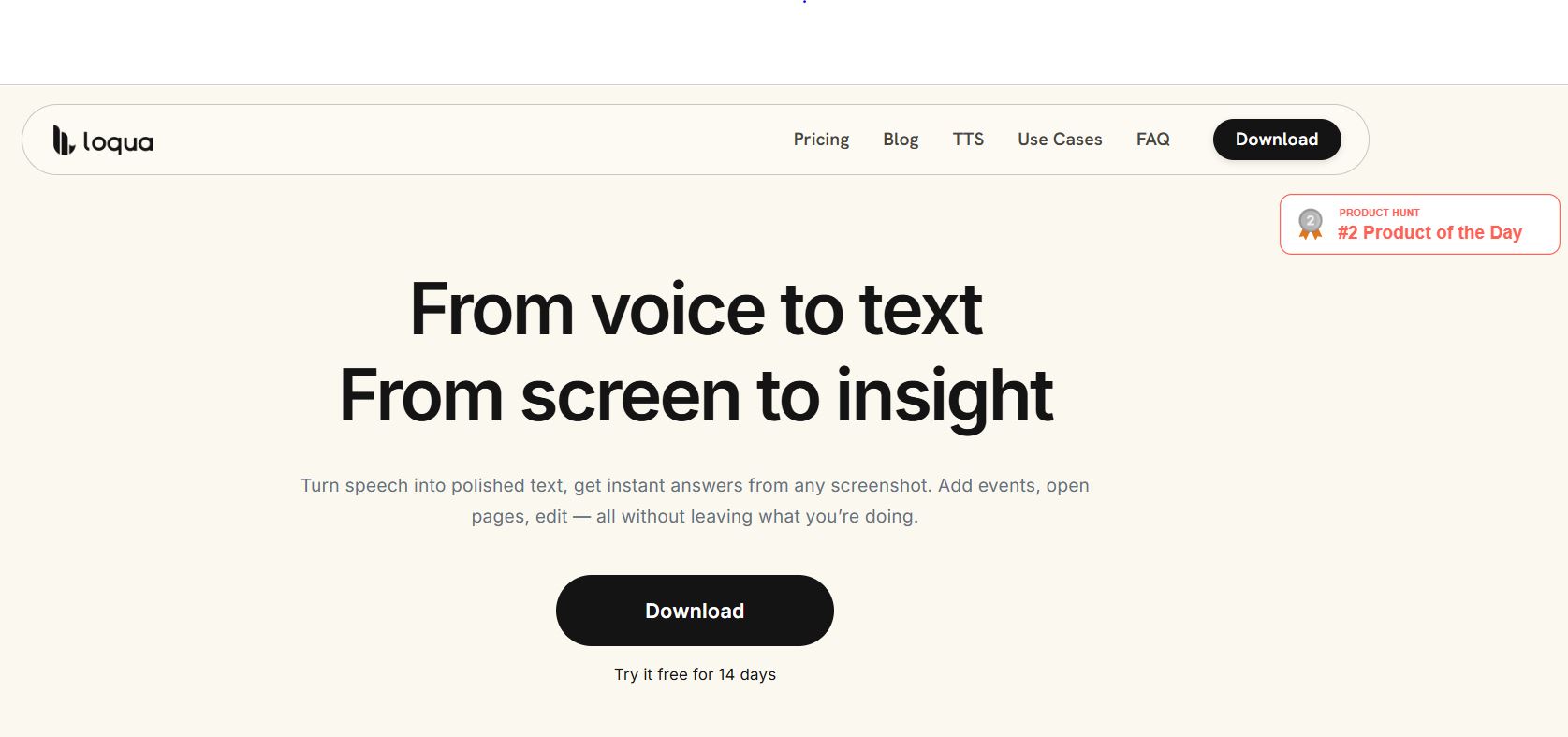
Theloqua AI: Turn Your Voice into Polished Text with Smart AI Dictation It also known as Loqua, is an AI-powered voice typing and desktop productivity tool for Mac and Windows. It helps users turn spoken words into clear, polished text without typing manually. The tool removes filler words, corrects repeated phrases, and formats speech into readable messages and documents. It also allows users to ask questions about screenshots, edit text using voice commands, translate speech, and perform supported desktop actions. Loqua works across many applications, including email, messaging tools, and writing apps. It is useful for professionals, students, developers, writers, and anyone who wants to save time and improve daily productivity.
5 Benefits of Using of Theloqua AI

  1. Saves time: Converts speech into text faster than manual typing for many users.
  2. Improves writing: Removes filler words and organizes spoken thoughts.
  3. Supports multilingual communication: Helps users translate their speech into other languages.
  4. Reduces app switching: Allows users to ask questions about screen content without leaving their current task.
  5. Improves accessibility: Provides a voice-first way to write and interact with desktop applications.

Features of Theloqua AI

  • AI Voice Typing: Loqua converts speech into polished text and inserts it into the application you are using. It removes filler words and improves sentence structure.
  • Smart Text Editing: Users can select existing text and ask AI to rewrite, shorten, or change its tone using voice commands.
  • Screen Understanding: The Capture to Ask feature lets users select part of their screen and ask questions about charts, documents, code errors, or other visible information.
  • Multilingual Translation: Loqua supports translation into more than 100 target languages, helping users communicate across language barriers.
  • Voice Commands and Read Aloud: Users can perform supported actions, such as opening webpages and creating reminders. Its Read Aloud feature can read selected text aloud, making information easier to consume.

Also Check : Erasmus Mundus PlantHealth Scholarship 2026 for PG Students

5 Problems with their solutions that Theloqua AI solve it

1. Problem: Typing long emails and documents takes time.

Solution: Use voice typing to create polished text quickly.

2. Problem: Speech-to-text results contain repeated words and filler phrases

Solution: Let Loqua clean up and organize spoken sentences automatically.

3. Problem: Understanding charts or error messages requires extra effort.

Solution: Capture the relevant screen area and ask AI for an explanation.

4. Problem: Writing in another language is difficult.

Solution: Use Loqua’s translation feature to produce text in a different language.

5. Problem: Switching between applications interrupts work.

Solution: Use supported voice commands to perform actions and get answers without constantly changing windows.

Frequently Asked Questions about Theloqua AI

Q1. What is Theloqua AI used for?
It helps users dictate text, edit writing, translate speech, and interact with desktop applications using voice.

Q2. Is Theloqua AI free?
Yes. The Free plan includes up to 5,000 words per week.

Q3. Does Loqua work on Windows and Mac?
Yes. It supports macOS and 64-bit Windows computers.

Q4. Can Loqua translate languages?
Yes. It supports translation into more than 100 target languages.

Q5. Does Loqua work offline?
No. Loqua currently requires an internet connection for speech processing and related AI features.

Theloqua AI: Pricing Plan

Theloqua offers a free plan and a paid Pro subscription.

Free Plan – $0

  • Up to 5,000 words per week.
  • Core voice typing and smart text cleanup.
  • Basic context detection.
  • No credit card required to start.

Pro Plan – Paid Subscription

  • Unlimited dictation.
  • Full context intelligence.
  • Unlimited Capture to Ask.
  • Unlimited personal dictionary.
  • A 14-day free trial for new accounts.

The official help center confirms these features but does not provide a reliable fixed Pro price in the information reviewed. Visit the official website for current monthly and annual prices.

Also Check : Cyber Security Work from Home Internship at Kidsneuron

Conclusion

Theloqua AI is a useful productivity tool for people who want to write, edit, and communicate faster using their voice. It combines intelligent dictation, text editing, translation, screen understanding, and voice actions in one desktop application. These features can reduce repetitive typing and help users stay focused on their work. The free plan is a practical way to test its core features, while Pro offers unlimited dictation and more advanced capabilities. Overall, Loqua is worth exploring for professionals, students, writers, and developers who want a smarter way to work on their computers

Also Check : Overmind: Train Specialized AI Agents, Optimize Models & Automate AI Workflows

CIGMA Pedia Scholarships Finder: find the scholarships that match you in 8 quick questions