



All India Scholarship Helpline : 8050067687

Arc

Last Update On

Staff 3

Arc Assistant: AI Assistant That Works on Any Screen

CIGMA Pedia Whatsapp Community

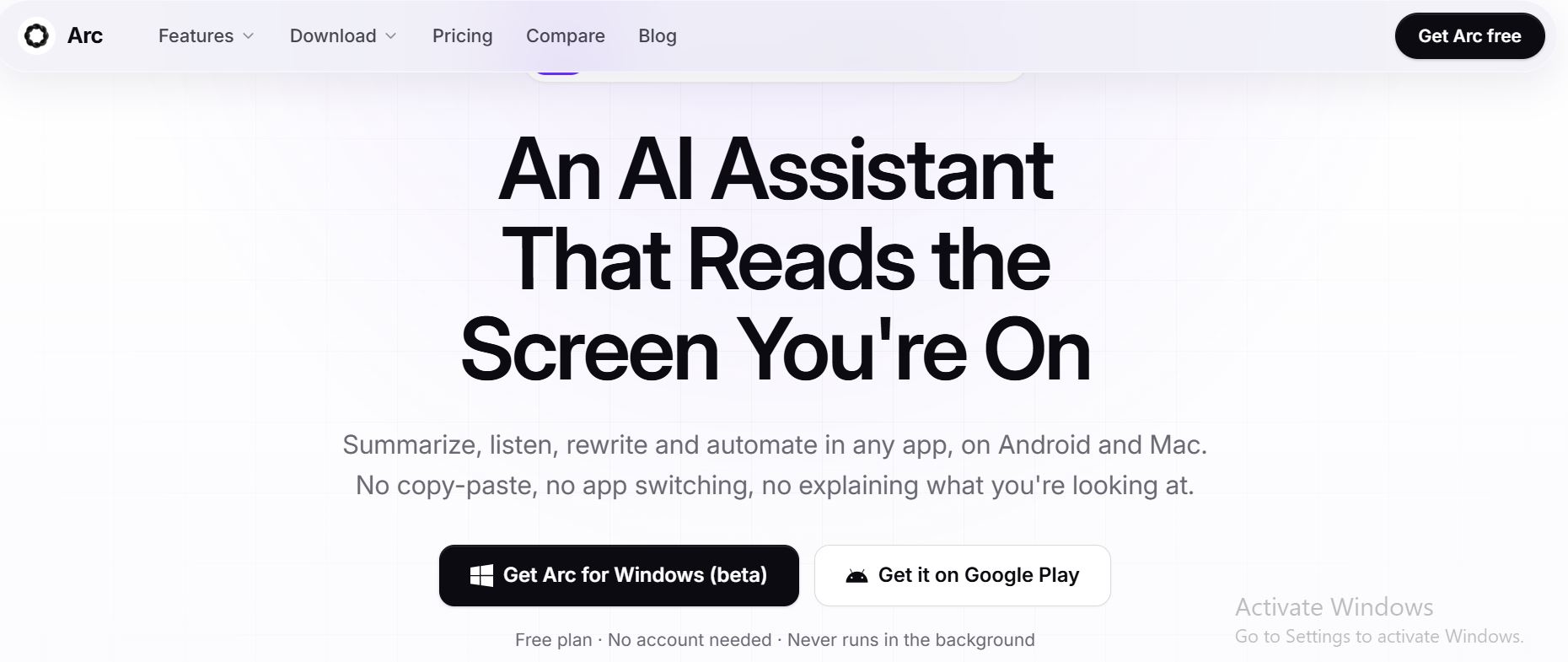
Arc Assistant: AI Assistant That Works on Any Screen It is an AI powered productivity tool that works directly on the screen you are using. It can summarize content, rewrite text, read information aloud, extract useful details, answer questions, and automate tasks without requiring users to copy and paste information into another AI app. Arc is available on Android and Mac, with Windows currently in beta. Arc Assistant is designed to reduce the need to switch between applications while working. On Mac, users can press Control + Space to open Arc over any application. On Android, it works through a floating sidebar. Users can then choose an action such as summarizing, writing, extracting information, or chatting about the content on their screen.
5 Benefits of Using of Arc Assistant

  1. Saves Time – Reduces copying, pasting, and switching between applications.
  2. Easy to Use – Users can summon Arc with a shortcut or floating button.
  3. Improves Writing – AI can rewrite, correct, and create text.
  4. Supports Productivity – Custom actions and automation help simplify repeated tasks.
  5. Works Across Apps – Arc can work with virtually any application that displays readable content.

Features of Arc Assistant

  • AI Screen Summarization: Arc can summarize articles, PDFs, emails, and long conversations into clear key points. Users can also ask follow-up questions about the content that is already on their screen.
  • AI Writing Assistant: Arc can rewrite text, correct grammar, create replies, and change the tone of writing. The result can be inserted directly into text fields in apps such as Gmail, WhatsApp, Slack, and other applications.
  • Text-to-Speech: Arc can read articles, documents, and messages aloud using natural-sounding voices. It can automatically detect supported languages, making it useful for accessibility and hands-free reading.
  • Smart Extract: The Smart Extract feature can find useful information such as dates, addresses, phone numbers, links, and tracking codes from the current screen. Users can copy extracted information with a tap.
  • Custom AI Actions and Automation: Users can create custom AI actions by saving their own prompts. Arc also provides a community library with 500+ ready-made actions for work, study, writing, and research

Also Check : Titech MEXT Scholarship 2027 in Japan for PG Students

5 Problems with their solutions that Arc Assistant can solve it

1. Problem: Switching between apps wastes time.

Solution: Arc works directly over the application you are already using.

2. Problem: Reading long articles and documents takes too long.

Solution: Arc summarizes important information into easy-to-read points.

3. Problem: Writing emails and messages takes time.

Solution: Its AI Writer can draft, rewrite, and improve text directly inside text fields.

4. Problem: Finding specific information in documents is difficult.

Solution: Smart Extract can identify dates, contacts, links, and codes from the screen.

5. Problem: Repeating the same AI instructions is inconvenient.

Solution: Custom Actions let users save prompts and run them with one tap or a keyboard shortcut.

Frequently Asked Questions about Arc Assistant

Q1. What is Arc Assistant?
Arc Assistant is an AI tool that reads and works with the content on your current screen.

Q2. Which devices support Arc?
Arc is currently available on Android and Mac. Windows is in beta, while the iPhone version is still in development.

Q3. Does Arc require an account?
No. Users can use Arc as a guest. Google Sign-In is optional for features such as cloud backup and community features.

Q4. Does Arc monitor the screen continuously?
No. Arc states that it only accesses screen content when the user explicitly runs an action. It does not perform background monitoring or keylogging.

Q5. Does Arc have a free plan?
Yes. The Free plan provides 7 basic requests per week and does not require a credit card.

Arc Assistant: Pricing Plan

Arc currently offers a free plan and a Premium option.

  • Free – $0: Available forever, with 7 requests per week on basic features. It supports Android and Mac and does not require an account or credit card.
  • Premium – Paid: Provides unlimited AI summaries, unlimited text-to-speech, AI chat about any screen, workflow automation, and custom actions. The price is shown in the user’s local currency inside the app.
  • Windows: Currently available in beta, with the same freemium model planned for the platform.

Also Check : Content Writer Work from Home Internship at Ascella Infosec Opc

Conclusion

Arc Assistant is a convenient AI productivity tool that brings AI directly to the screen where users are already working. Its summarization, writing, text-to-speech, Smart Extract, custom actions, and workflow automation features can reduce repetitive work and app switching. With a free plan and a Premium option, Arc provides a simple way to use AI across everyday tasks on supported devices

Also Check : Sayble: Real Time AI Copilot for Sales Calls and Meetings