




All India Scholarship Helpline : 8050067687

AcBridge

Last Update On

Staff 3

AC Bridge: Connect Smart Lights with AI Agents & Automate Lighting

CIGMA Pedia Whatsapp Community

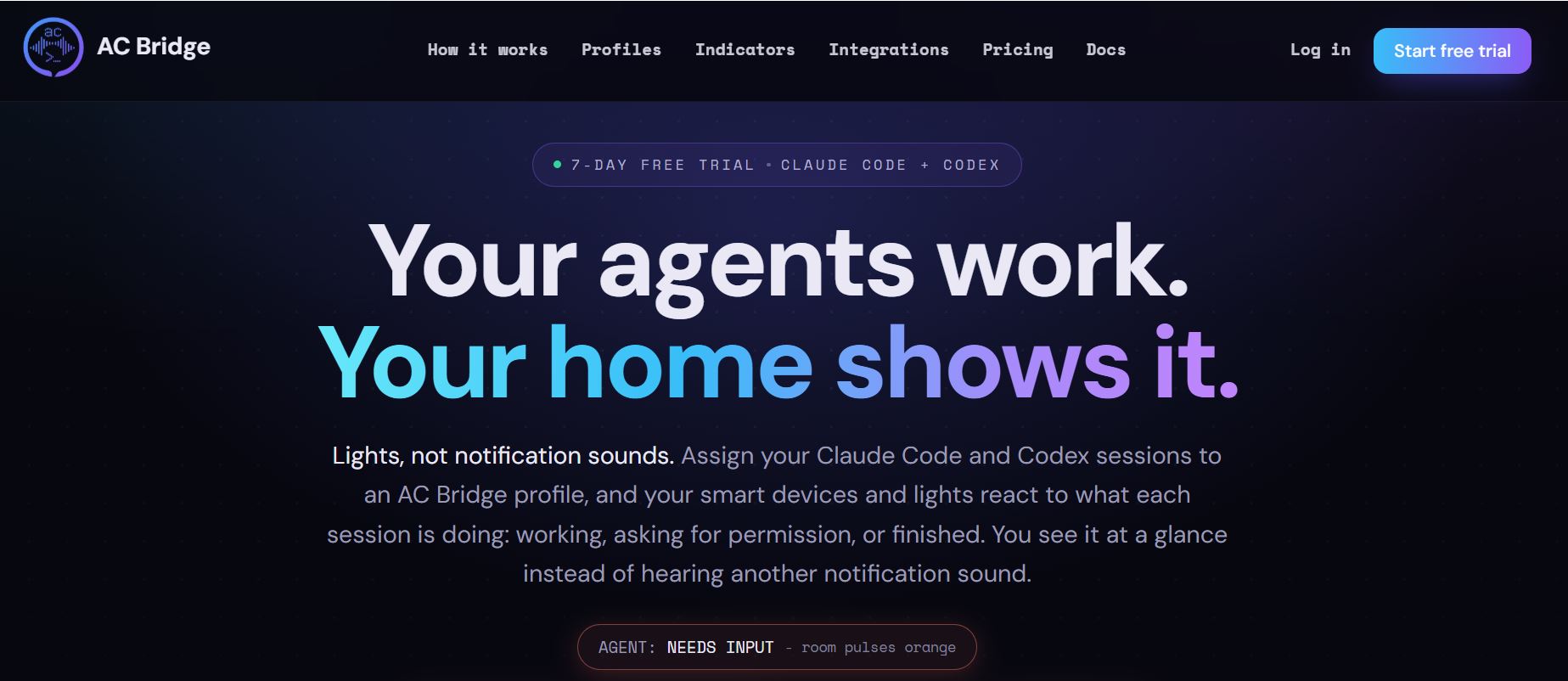
AC Bridge: Connect Smart Lights with AI Agents & Automate Lighting It is a smart home automation tool that connects AI coding assistants with smart lights and other connected devices. It works with Claude Code and OpenAI Codex, allowing users to monitor their AI agents through lights instead of checking their computers constantly. For example, a lamp can glow blue while an AI agent is working, flash red when permission is needed, and turn green when the task is complete. AC Bridge also allows AI agents to control approved smart devices. It is useful for developers who want a quieter and smarter way to manage coding workflows.
5 Benefits of Using of AC Bridge

  1. Saves time: Reduces the need to check coding sessions repeatedly.
  2. Quiet notifications: Uses smart lights instead of notification sounds.
  3. Better productivity: Helps developers focus on other activities while AI agents work.
  4. Easy monitoring: Shows AI agent status through different colours.
  5. Smart automation: Allows approved AI agents to control connected devices.

Features of AC Bridge

  • Smart Light Notifications: AC Bridge changes the colours of connected smart lights based on AI agent activity. Users can see whether an agent is working, waiting for input, or finished.
  • Claude Code and Codex Integration: It supports both Claude Code and OpenAI Codex. Users can monitor both coding assistants through one application.
  • Multiple Smart Device Support: AC Bridge supports popular brands such as Philips Hue, Govee, LIFX, Nanoleaf, Tapo, Kasa, and WiZ. It also connects with more than 1,000 devices through Home Assistant.
  • Custom Lighting Effects: Users can create lighting effects such as flashing, pulsing, fading, and colour changes. Different colours can represent different AI agent activities.
  • Automatic Device Restoration: When a coding session ends or the user presses Stop, AC Bridge attempts to restore the devices it changed to their previous settings.

Also Check : Science Ambassador Scholarship 2027 for High School Senior and UG Students

5 Problems with their solutions that AC Bridge solve it

1. Problem: Developers constantly check whether AI coding tasks are complete.

Solution: AC Bridge changes smart light colours when an agent finishes.

2. Problem: Notification sounds interrupt focused work.

Solution: It provides quiet visual notifications through smart devices.

3. Problem: Managing multiple AI coding agents is difficult.

Solution: It supports Claude Code and Codex in one application.

4. Problem: Developers cannot easily identify when an agent needs permission.

Solution: Different lighting effects indicate when user attention is required.

5. Problem: Smart home devices and AI workflows operate separately.

Solution: AC Bridge connects supported devices with AI coding agents.

Frequently Asked Questions about AC Bridge

Q1. What is AC Bridge AI?
AC Bridge is a smart device automation tool that connects AI coding agents with smart lights and appliances.

Q2. Which AI agents does AC Bridge support?
It supports Claude Code and OpenAI Codex.

Q3. Does AC Bridge work with Philips Hue?
Yes. It supports Philips Hue and several other smart device brands.

Q4. Which operating systems support AC Bridge?
It supports Windows, macOS, and Linux.

Q5. How much does AC Bridge cost?
It costs £2.99 per month after a 3-day free trial.

AC Bridge: Pricing Plan

AC Bridge Pro – £2.99/month

  • 3-day free trial
  • Unlimited smart devices and profiles
  • Claude Code and Codex integration
  • 30 agent states
  • 9 lighting effects
  • Device automation and activity monitoring
  • Cancel anytime

A payment card is required to start the trial. The subscription begins at £2.99 per month after the trial unless cancelled. There is no permanently free plan.

Also Check : Sales and Marketing Work from Home Internship at Krishank Fintech Services LLP

Conclusion

AC Bridge is a useful tool for developers who work with AI coding assistants and smart home devices. It turns smart lights into visual notifications, helping users understand when an AI agent is working, waiting for permission, or finished. Its support for Claude Code, Codex, multiple smart device brands, and custom lighting effects makes it a practical automation solution. The £2.99 monthly plan provides access to its features after a 3-day free trial. Overall, AC Bridge helps developers monitor AI workflows, reduce interruptions, and connect coding activities with smart home automation

Also Check : Kin AI: Control AI Agent Permissions, Secure Your Accounts & Manage AI Actions

CIGMA Pedia Scholarships Finder: find the scholarships that match you in 8 quick questions