


All India Scholarship Helpline : 8050067687

Skreno

Last Update On

Staff 3

Skreno: AI Powered Screen Recording and Documentation Tool

CIGMA Pedia Whatsapp Community

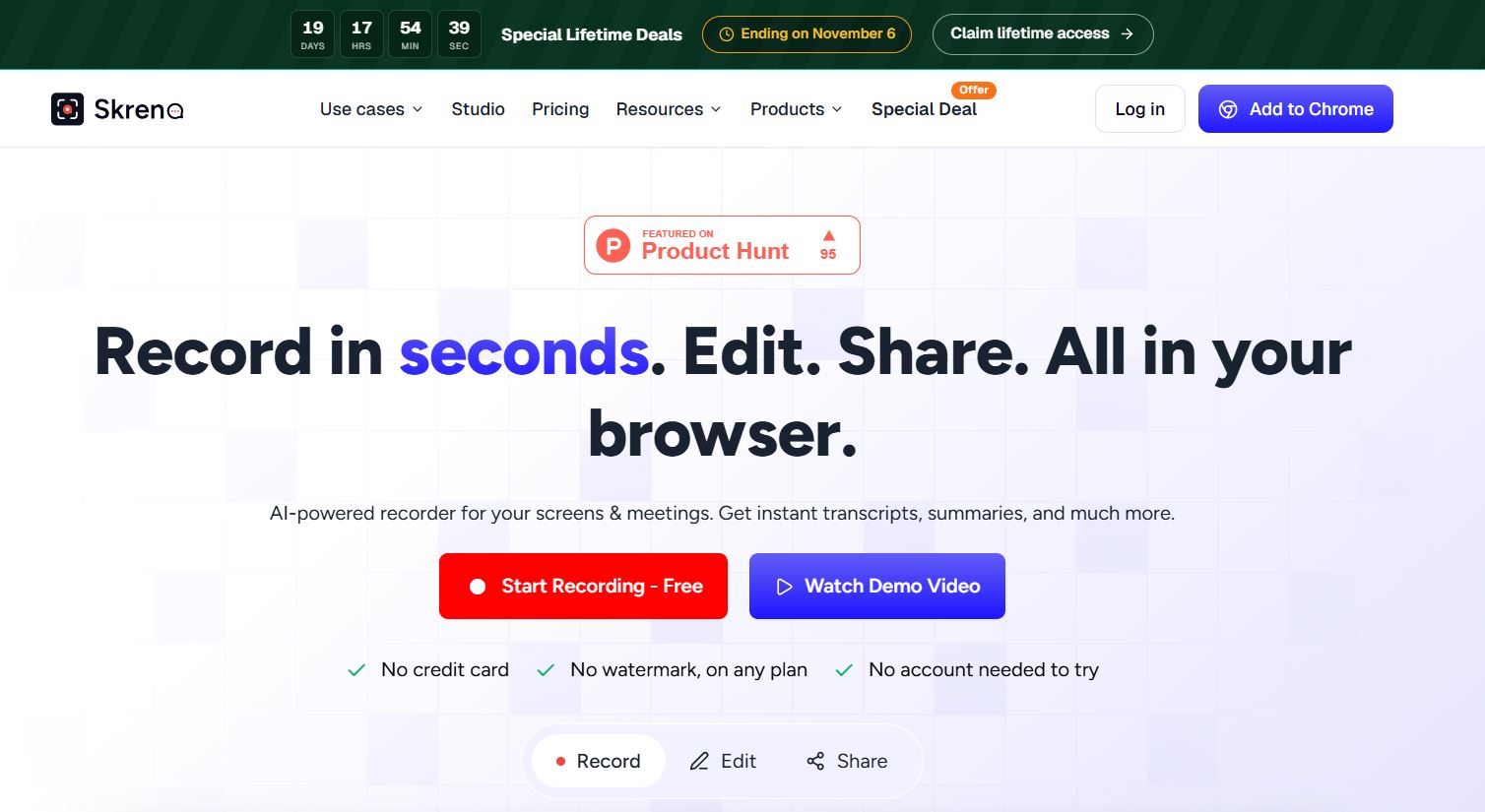
Skreno: AI Powered Screen Recording and Documentation Tool It is an AI-powered screen recording platform that helps users record screens and meetings, create transcripts and summaries, collect feedback, and capture technical information. It is especially useful for support, engineering, product, sales, and training teams.
5 Benefits of Using of Skreno

  1. Saves time: Reduces the need to explain problems through long messages.
  2. Improves communication: Video gives teams visual context that text may miss.
  3. Speeds up bug reporting: Technical logs can be attached to recordings.
  4. Makes training easier: Screen recordings and guides help explain processes.
  5. Supports remote teams: Teams can share recordings, comments, and feedback easily.

Features of Skreno

  • AI Transcripts and Summaries: Skreno automatically creates searchable transcripts, plain-English summaries, and action items from recordings.
  • Screen and Camera Recording: Users can record their screen, camera, and microphone directly in the browser without installing desktop software.
  • Console and Network Logs: For technical issues, Skreno can capture console errors, network activity, and clicks alongside the recording. This gives developers more information when investigating bugs.
  • Video Editing: Its browser-based editor lets users trim videos, remove silence, add captions, zoom, blur sensitive areas, and improve audio. Videos can be exported up to 4K on supported plans.
  • Step-by-Step Guides: Skreno can turn clicks and actions into step-by-step guides with screenshots. Guides can be exported as PDF, HTML, or Markdown.

Also Check : Gates Cambridge Scholarship 2027 for PG Students

5 Problems with their solutions that Skreno can solve it

1. Problem: Explaining a technical problem through text is difficult.

Solution: Record the issue and include relevant console and network information.

2. Problem: Teams spend too much time taking meeting notes.

Solution: Skreno creates AI transcripts, summaries, and action items.

3. Problem: Customers struggle to describe bugs.

Solution: Teams can send recording requests so customers can show the problem directly.

4. Problem: Creating software tutorials takes too much time.

Solution: Skreno can turn clicks into step-by-step guides with screenshots.

5. Problem: Raw screen recordings need editing before sharing.

Solution: The built-in editor provides trimming, captions, zooms, blur, and audio tools.

Frequently Asked Questions about Skreno

Q1. What is Skreno?
Skreno is an AI screen recording and documentation tool for recording, editing, and analyzing videos.

Q2. Does Skreno provide AI summaries?
Yes. Skreno can generate transcripts, summaries, and action items from recordings.

Q3. Can Skreno record meetings?
Yes. Paid plans support meeting recording for platforms such as Zoom, Google Meet, and Microsoft Teams.

Q4. Can Skreno create tutorials?
Yes. It can turn user actions into step-by-step guides with screenshots.

Q5. Does Skreno have a free plan?
Yes. The free plan provides recording, editing, transcription, and limited AI features.

Skreno: Pricing Plan

Free Plan – $0

Includes 30 recordings, up to 15 minutes each, 720p recording, 5 transcripts per month, 3 AI summaries, 3 AI bug reports, and 10 request or testimonial videos per month.

Pro Plan – $10/month billed yearly

Includes unlimited recordings, up to 1080p quality, 200 GB cloud storage, 150 transcripts/summaries/AI bug reports per month, and up to 20 meeting calls per month.

Max Plan – $15/month billed yearly

Includes unlimited recordings, up to 4K quality, unlimited cloud storage and AI features, plus up to 35 meeting calls per month.

Lifetime Plans

Skreno also offers Pro Lifetime for $499 and Max Lifetime for $799 as one-time per-seat purchases.

Also Check : Business Development (Sales) Work from Home Internship at AI Chroney

Conclusion

Skreno combines screen recording, AI transcription, video editing, technical logs, and documentation tools in one platform. It can help teams explain problems clearly, create tutorials faster, and reduce repetitive communication. The free plan is useful for testing the platform, while Pro and Max provide higher limits and advanced features

Also Check : Lev8: AI Powered Sales Prospecting and Lead Generation Tool

CIGMA Pedia Scholarship Finder: find the scholarships that match you in 8 quick questions