




All India Scholarship Helpline : 8050067687

Chroniclehq

Last Update On

Staff 3

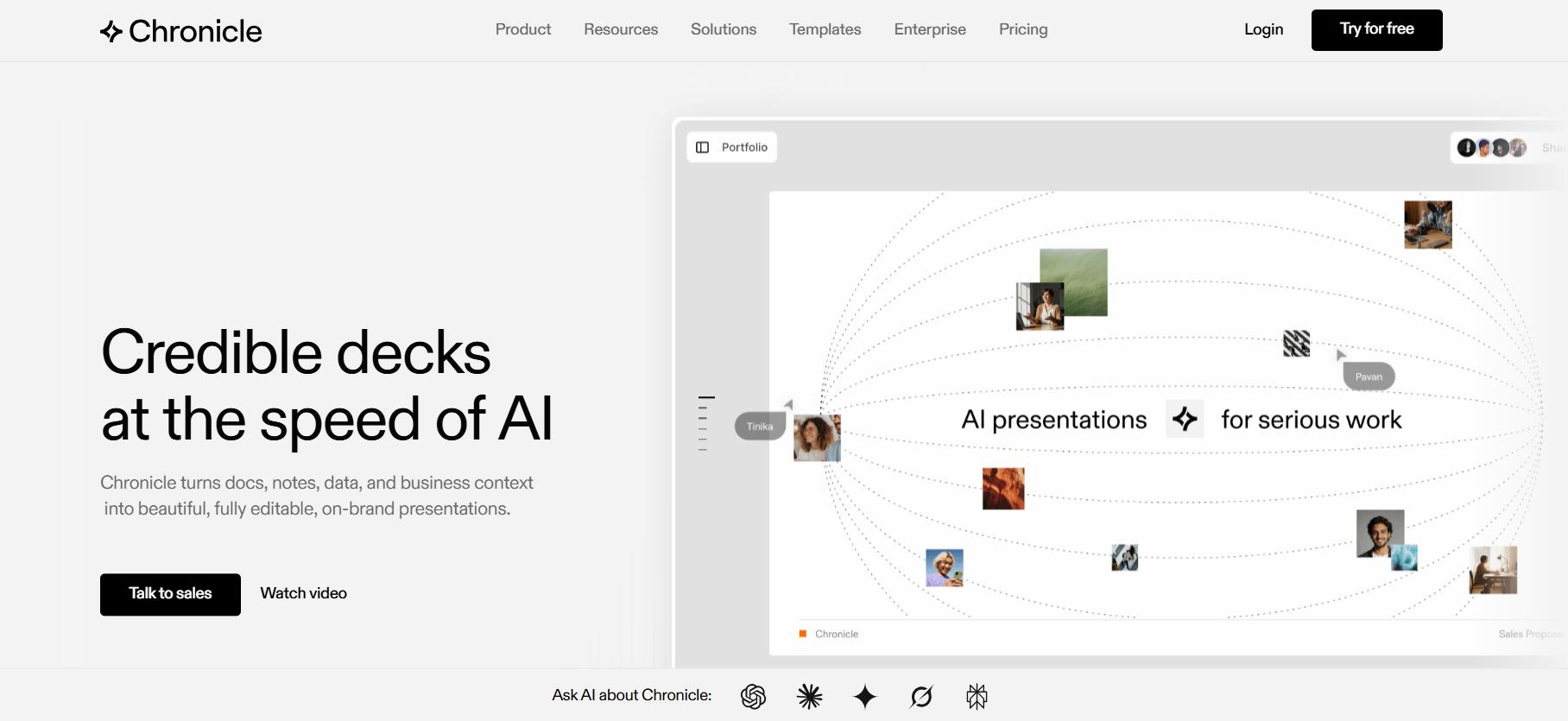
Chronicle is an AI powered tool for creating beautiful, professional presentations quickly

CIGMA Pedia Whatsapp Community

Chronicle is an AI powered tool for creating beautiful, professional presentations quickly It is an AI presentation maker that helps users turn notes, documents, data, and business ideas into polished, professional presentations. Instead of starting with a blank slide, users can provide rough notes, existing content, or a document and let Chronicle structure it into a clear visual story. Its freeform canvas gives users control over layouts, content, visuals, and interactive elements. Chronicle also supports brand themes, real-time collaboration, templates, charts, and multiple export options. It is designed for business presentations such as sales proposals, pitch decks, marketing reports, product updates, strategy presentations, and investor decks.
5 Benefits of Using of Chronicle

  1. Saves time: AI handles much of the initial presentation structure and design.
  2. Professional results: Templates and automatic design help create polished slides.
  3. Easy branding: Teams can maintain consistent fonts, colors, and visual styles.
  4. Better collaboration: Multiple team members can work together on presentations.
  5. Flexible workflows: Users can combine documents, data, AI tools, and external integrations.

Features of Chronicle

  • AI Presentation Generation: Chronicle can turn raw ideas, notes, documents, or existing content into structured presentations with designed slides.
  • AI Editing: Users can rewrite content, remix slides, and make changes with AI while keeping control over the final presentation.
  • Brand Consistency: Users can set fonts, colors, logos, and visual rules so presentations remain consistent with their brand.
  • Interactive Widgets: Chronicle supports charts, graphs, tables, videos, calendars, and other interactive content through widgets and integrations.
  • Collaboration and Sharing: Teams can collaborate in real time, manage permissions, publish presentations online, and export presentations to formats such as PDF and PowerPoint.

Also Check : SML Mahindra Scholarship Program 2026-27 for Class 11, 12, UG, Diploma and Polytechnic Students

5 Problems with their solutions that Chronicle can solve it

1. Problem: Creating professional slides manually takes too much time.

Solution: Use Chronicle’s AI generation to create a first draft from notes or existing content.

2. Problem: AI generated slides may not match your brand

Solution: Apply custom themes, fonts, colors, logos, and brand rules.

3. Problem: Presentations can become too static.

Solution: Use interactive widgets, charts, videos, and embedded content

4. Problem: Teams may struggle with multiple presentation versions.

Solution: Use shared workspaces and real-time collaboration.

5. Problem: AI presentations may still contain incorrect information.

Solution: Review facts, numbers, charts, and AI-generated content before presenting.

Frequently Asked Questions about Chronicle

Q1. What is Chronicle used for?
Chronicle is used to create professional presentations, pitch decks, sales proposals, reports, business updates, and other visual stories.

Q2. Is Chronicle free?
Yes. Chronicle offers a Free plan with up to 10 decks and basic presentation features.

Q3. Can Chronicle create presentations with AI?
Yes. Its AI can transform ideas, notes, documents, and existing content into structured presentations.

Q4. Can Chronicle export to PowerPoint?
Yes. PowerPoint export is available on the Plus and Max plans.

Q5. Does Chronicle support AI integrations?
Yes. Chronicle supports MCP and API workflows and can connect with AI assistants such as ChatGPT and Claude.

Chronicle: Pricing Plan

Free – $0/month

The Free plan includes up to 10 decks, professional editing tools, basic themes, web publishing, PDF/social exports, and up to 3 guest editors.

Pro – $15/month

The Pro plan includes unlimited decks, 500 AI tokens per seat each month, custom themes, larger video uploads, watermark removal, shared workspaces, and up to 10 guest editors. Annual billing reduces the price to $12 per user per month.

Plus – $30/month

The Plus plan provides 1,000 AI tokens per seat monthly, the Muse AI agent, higher-quality AI image models, template generation, and PowerPoint export. Annual billing reduces the price to $25 per user per month.

Max – $59/month

The Max plan includes 2,000 AI tokens per user monthly, advanced branding, custom fonts, and priority support. Annual billing reduces the price to $45 per user per month.

Also Check : Graphic Design Work from Home Internship at Tikshark Solutions Private Limited

Conclusion

Pitch combines AI presentation generation with a complete workspace for designing, editing, sharing, and tracking presentations. Its Pitch Agent can quickly create an initial deck, while AI editing makes it easier to improve content and structure. Templates, collaboration tools, branded sharing, and audience analytics make the platform useful beyond basic slide creation. The Free plan is a good starting point for individuals, while Plus, Team, and Business plans provide more AI credits and professional features. Pitch is especially valuable for teams that want attractive presentations without spending too much time on manual design and formatting. Overall, it is a strong option for modern AI-powered presentation creation

Also Check : Pitch: AI Presentation Maker for Professional Slides

CIGMA Pedia Scholarships Finder: find the scholarships that match you in 8 quick questions