




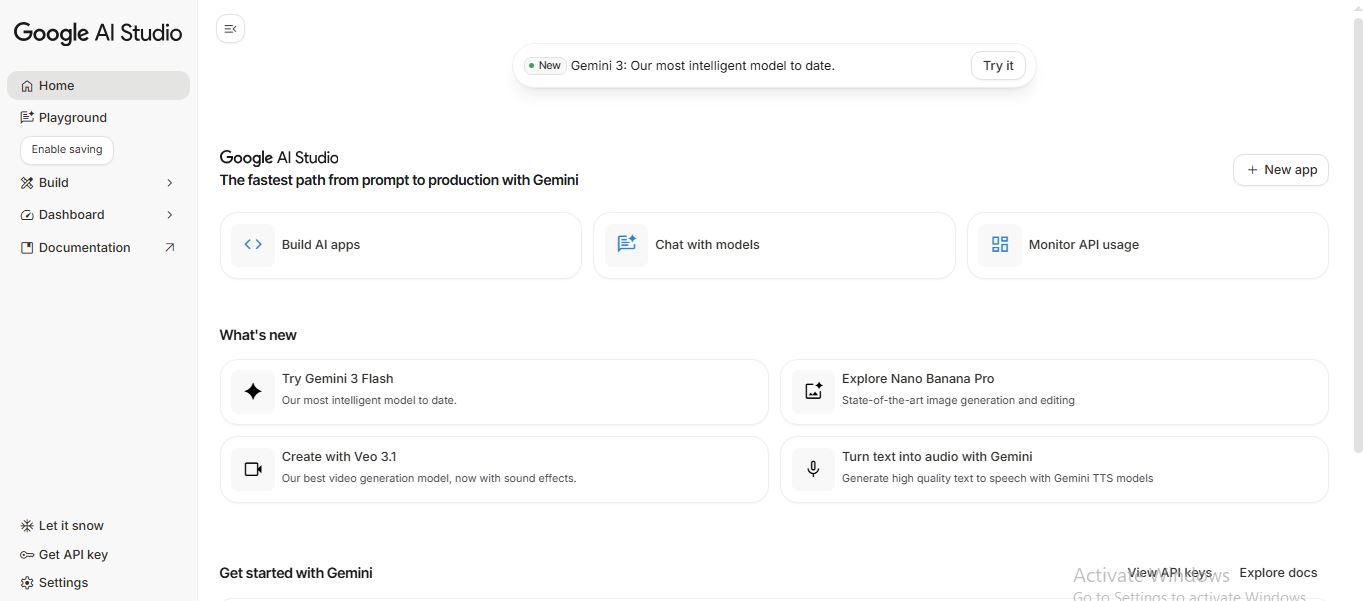
Whether you are a seasoned developer or a curious beginner, Google AI Studio is the fastest gateway to building AI-powered applications. It provides a “playground” environment where you can interact with the Gemini family of models, including the latest Gemini 2.5 and 3.0 Flash versions.
5 Benefits of Using of Google AI Studio
- Zero Setup: No need to install heavy software; it runs entirely in your web browser.
- High Speed: Access to “Flash” models ensures near-instant responses for high-volume tasks.
- Free Access: It offers a generous free tier for testing and prototyping.
- Developer Friendly: Built-in API key management makes it easy to move from a “test” to a “live” app.
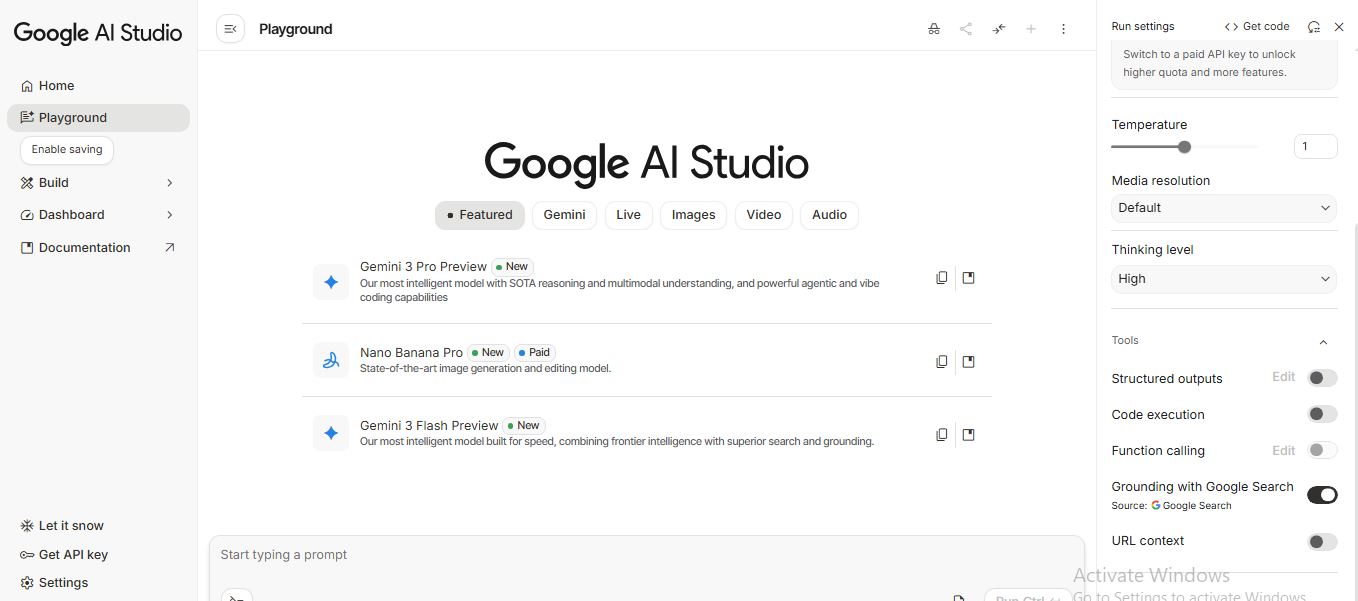
- Customization: You can adjust “Temperature” (creativity) and “Safety Settings” to match your specific needs.
Features of Google AI Studio
- Unified Multimodal Playground: Google AI Studio isn’t just for text. You can upload images, videos, audio, and even large PDF documents. The tool can “see” and “hear” your files, allowing you to ask complex questions about them.
- Massive Context Window: One of its standout features is the 1 million+ token context window. This means you can upload an entire book or an hour-long video, and the AI will remember every detail to answer your questions accurately.
- Prompt Gallery and Templates: Not sure where to start? The tool offers a library of system instructions and prompt examples. You can set “System Instructions” to give your AI a specific personality or role, like a “Senior Python Developer” or a “Creative Scriptwriter.”
- Code Export: Once you’ve perfected a prompt in the studio, you don’t have to rewrite it. With one click on “Get Code,” you can export your work into Python, JavaScript, or cURL to integrate it directly into your own app.
Also Check : UDAAN Scholarship 2025 For UG Students
5 Problems with their solutions that Google AI Studio can solve it
Problem: Writing boring or repetitive boilerplate code.
Solution: Use Gemini 2.5 Pro to refactor, debug, and optimize your code instantly.
Problem: Manually analyzing long video recordings for key info.
Solution: Upload the video file; the tool can summarize key moments and answer questions about visual details in seconds.
Problem: Dealing with slow and repetitive data entry tasks.
Solution: Use “Structured Prompts” to turn messy, unorganized text into clean, organized JSON data.
Problem: Overcoming language barriers in images or audio files.
Solution: Use the multimodal feature to translate text found in photos or transcribe and translate audio clips.
Problem: Feeling stressed about integrating AI into your existing app.
Solution: Use the “Get Code” feature to generate ready-to-use SDK snippets in your preferred language.
Frequently Asked Questions about Google AI Studio
- Is Google AI Studio free?
Yes, it is free to use for prototyping with generous daily limits. - What is a “Token”?
Tokens are pieces of words. 1 million tokens is roughly 700,000 words. - Can I use it for commercial projects?
Yes, though it is recommended to enable billing for higher reliability and data privacy. - How do I get an API Key?
Simply click on the “API Keys” tab in the left sidebar of the Studio.
Does it support image generation?
Yes, it integrates with Google’s latest image models like Imagen for creation and editing.
Google AI Studio: Pricing Plan
Google AI Studio uses a flexible pricing model designed to grow with your project:
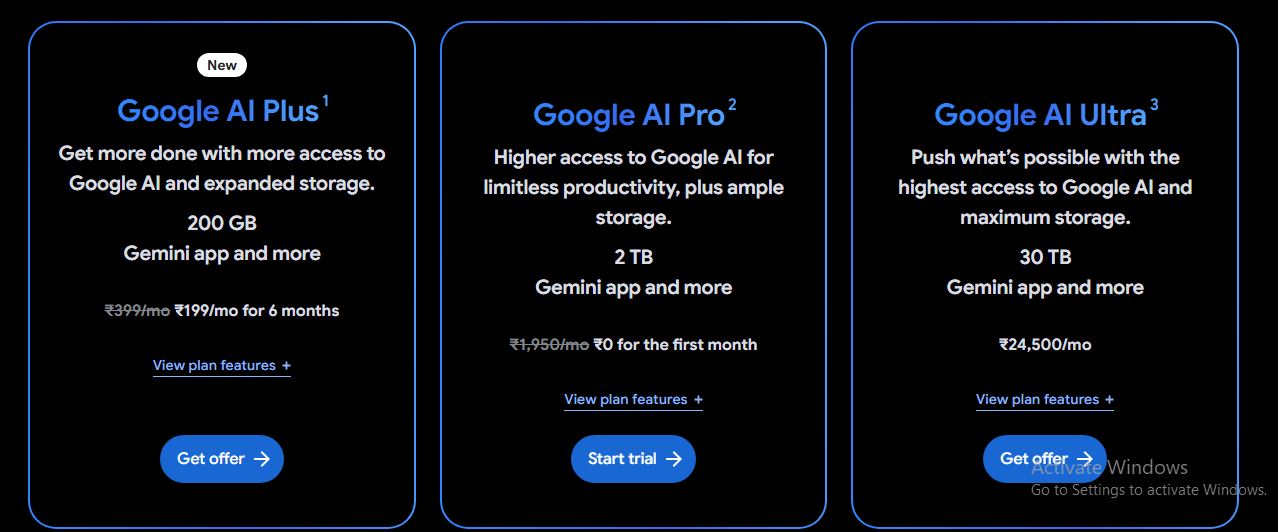
- Free Tier ($0): This is the default plan for all users. It provides free access to Gemini 1.5 and 2.5 models with daily rate limits. In this tier, data may be used by Google to improve its models.
- Pay-As-You-Go Tier: By enabling billing, you unlock higher request limits (RPM) and larger token quotas. Pricing is usage-based, typically starting at $0.30 per 1M tokens for Flash models and $1.25 per 1M tokens for Pro models.
- Context Caching Pricing: For long prompts or large files used repeatedly, you pay a small storage fee (approx. $1.00 – $4.50 per 1M tokens/hour) to keep the data “warm” and reduce input costs.
- Paid Privacy Standard: On any paid tier, your data is not used to train Google’s models, ensuring enterprise-grade privacy.
- Vertex AI (Enterprise): For businesses requiring full Google Cloud integration, advanced security, and dedicated support, pricing is handled through the Vertex AI platform.
Also Check : Doubt Solving Expert Work From Home Internship by Kunduz Technologies
Conclusion
As we look toward the future of 2026 and beyond, the tool’s massive context window stands out as its greatest strength. The ability to “talk” to massive amounts of data without losing focus allows for deeper research and more complex automation than ever before. Whether you are using it to automate your business workflows, build the next viral app, or simply explore the boundaries of what Gemini can do, Google AI Studio is the perfect starting point. It balances accessibility through its free tier with the robust security of its enterprise options. By mastering this tool today, you are positioning yourself at the forefront of the AI revolution. Start experimenting, test your prompts, and watch your creative vision transform into a functional, intelligent reality