




All India Scholarship Helpline : 8050067687

Bhindi

Last Update On

Staff 3

Bhindi AI: The Revolutionary Text to Action Tool

CIGMA Pedia Whatsapp Community

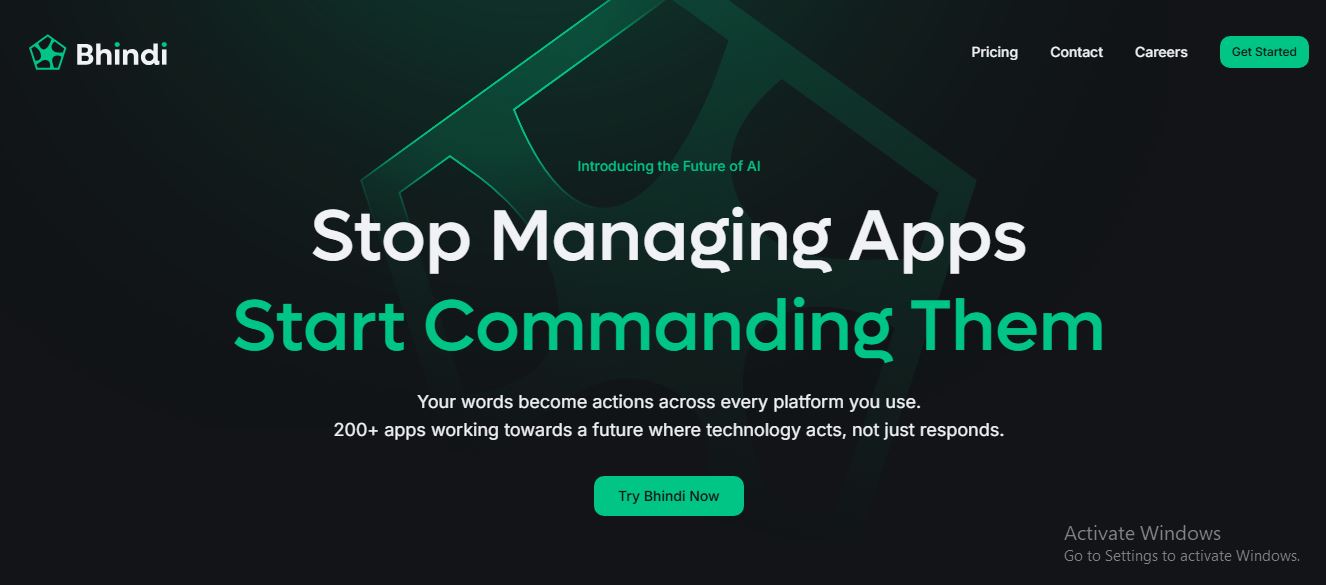
Bhindi AI: The Revolutionary Text to Action Tool In the rapidly evolving world of artificial intelligence, Bhindi AI stands out by moving beyond simple conversation. While most AI chatbots like ChatGPT or Claude provide you with information, Bhindi AI is built for execution. Known as a “text-to-action” platform, it acts as a central command center that connects to your favorite apps to actually perform tasks on your behalf. Whether you need to send an email, update a spreadsheet, or post to social media, Bhindi does the work so you don’t have to
5 Benefits of Using of Bhindi

  • Saves Time: Automates multi-step workflows that usually take 15–20 minutes into seconds.
  • Reduces Mental Load: You only need to remember what to do, not how to navigate ten different app menus.
  • High Accuracy: Using LLMs like Claude 3.7 ensures that the drafts and summaries are high-quality.
  • Developer Friendly: Offers deep integrations with tools like GitHub and Linear for technical teams.
  • Scalability: Allows solopreneurs to act like a larger team by delegating routine tasks to AI agents.

Features of Bhindi

  • Agentic Automation: Unlike traditional automation tools that follow rigid “if-this-then-that” rules, Bhindi uses intelligent agents. These agents understand your intent. For example, you can tell it to “monitor my emails and summarize only the urgent ones to Slack,” and it will handle the logic autonomously.
  • Multi-App Integration: Bhindi connects with over 200+ popular applications, including Gmail, Slack, Notion, GitHub, Google Sheets, and X (Twitter). This allow you to create complex workflows that span across different platforms using a single natural language command.
  • Text-to-Action Interface: The core of Bhindi is its simplicity. You don’t need to build complex flowcharts. You simply type a command like, “Draft a follow-up email to the last person who messaged me on LinkedIn and schedule a meeting for Friday,” and the AI executes every step.
  • Custom AI Personas: You can create specific AI Personas tailored to different roles. You might have a “Recruiter Persona” that handles interview scheduling and a “Developer Persona” that summarizes GitHub pull requests, each with its own set of instructions and connected tools.
  • Multi-Model Support: Bhindi isn’t locked into one AI. It allows users to switch between top-tier models like ChatGPT (OpenAI) and Claude (Anthropic). This ensures you are always using the best “brain” for the specific task you want to execute

Also Check : University of Debrecen Stipendium Hungaricum Scholarship 2026 For UG, PG and P.hd Students

5 Problems with their solutions that Bhindi can solve it

1. Problem: App Fatigue and Constant Tab Switching

Solution: Bhindi acts as a single interface, allowing you to control Gmail, Slack, and Notion from one chat box, eliminating the need to jump between apps.

2. Problem: Manual Data Entry and Transfer

Solution: You can command Bhindi to “Take these notes from my email and put them into a formatted Google Sheet,” automating the tedious copy-paste process.

3. Problem: Forgetting to Follow Up

Solution: Set an intent for your Bhindi agent to “Remind me and draft a reply if I don’t get a response to this email within 48 hours.

4. Problem: Complex Social Media Management

Solution: Bhindi can summarize a long article, generate a matching graph/image, and post the thread directly to X (Twitter) in one go.

5. Problem: Missing Urgent Notifications

Solution: Use an agent to filter through noise and only notify you on Telegram or Slack when a specific keyword or high-priority sender appears in your inbox

Frequently Asked Questions about Bhindi

Q1. Is Bhindi AI safe to connect to my Gmail?
Yes, Bhindi uses secure OAuth authentication, meaning it never sees your password and you can revoke access at any time.

Q2. Does it actually send the emails or just draft them?
It can do both! You can set it to “draft only” for your review or give it permission to send them automatically

Q3. Do I need to know how to code?
Not at all. Bhindi is designed for natural language; if you can type a text message, you can use Bhindi.

Q4. Can I use it on my phone?
Yes, Bhindi is available via web browser and has mobile apps for both iOS and Android.

Q5. How is it different from Zapier?
Zapier is “Trigger-Based” (Step A must happen for Step B). Bhindi is “Intent-Based” (You tell it the goal, and the AI figures out the steps).

Bhindi: Pricing Plan

  • Free Plan: Includes limited credits and access to basic agents. Ideal for testing the platform.
  • Individual Plan ($20/Month): Provides higher daily limits, access to all 200+ app connections, and priority support.
  • Trial Offer: New users can often access a $5 first-month trial to explore all premium features.
  • Enterprise: Custom pricing for large teams requiring dedicated agents and advanced security.

Also Check : Artificial Intelligence Work from home internship by Treviax

Conclusion

Bhindi AI represents the next phase of productivity software. By shifting the focus from “chatting” to “acting,” it allows users to reclaim their time and focus on high-level creativity rather than administrative busywork. If you find yourself overwhelmed by dozens of open tabs, Bhindi is the digital assistant you’ve been waiting for

Also Check : Natural Reader: Master Your Reading with Natural Reader